A failed ERP implementation can cost a small business much more than the cost of the software license. In 2026, nearly 30% of ERP implementation projects are completed over budget, and the broader research on ERP outcomes indicates that failure to meet original goals and objectives ranges from 55% to 75%. For a company with 10 to 50 employees, that’s not a rounding error, that’s the difference between an ERP system that pays for itself, and one that drains cash for a year with nothing to show.
Most ERP buying guides are aimed at Fortune 500 IT departments or developers comparing API documentation. Neither is of much help if you’re a 20-person distribution company and need to know in plain terms how to choose ERP software that fits your budget and your team.
To select the right ERP software, compile a list of the three operational problems you need resolved and match the vendor features, deployment model, and pricing to that list. Budget realistically – most small businesses spend $3,000 to $25,000 during the first year. Cloud subscriptions are typically 40-200 per user, per month. Check G2 ratings, validate that they can integrate, and pilot the user adoption before you sign a multi-year contract.
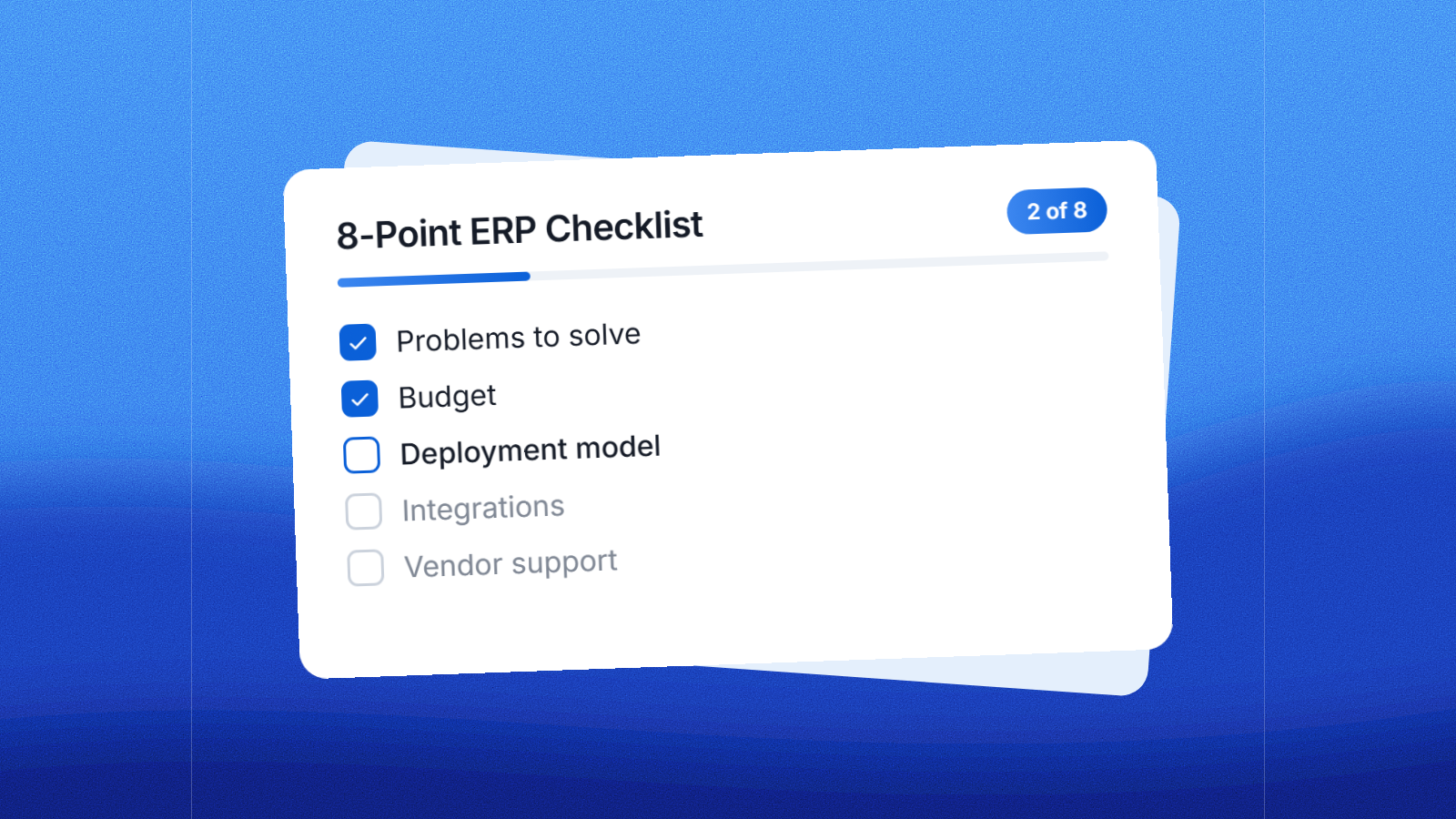
This checklist breaks the decision into eight concrete steps – the same ones a buyer should walk through before requesting a demo from any vendor in the ERP software category.
1. Start With the Problems You Are Trying to Solve
Before you visit a single vendor website, write down the three operational problems that are costing you the most time or money today. Maybe it’s inventory counts that never seem to match what’s on the shelf. Maybe it’s finance closing the books two weeks late every month because the data lives in four spreadsheets. You won’t be paying for modules you won’t touch for years if you build your ERP selection criteria around the actual pain points, not a generic feature checklist.
One common mistake small businesses make is selecting software because a competitor is using it or a sales demo looked good, without first defining what success looks like. Skip that step and you run the risk of buying a system designed for a company three times your size.
2. What Is the Cost of ERP Software for Small Businesses
Buyers’ first question is usually price and it’s also where expectations and reality diverge most quickly. Small businesses typically spend 3,000-25,000 in the first year for basic cloud ERP. Cloud subscriptions generally cost 40-200 per user per month. That goes from a stripped down five user accounting first system to a more general platform with inventory and CRM in there.
The line item buyers underestimate the most is implementation. Setup fees alone can range from $10,000 to well over $100,000 for a company with less than 50 employees depending on the vendor and how much data migration and customization you need. Don’t just get a software quote, get a written implementation estimate before you sign anything.
3. Cloud, On-Premise, or Hybrid: Which ERP Deployment Model is Right For You
Grand View Research estimates Cloud held the largest share of the global ERP software market in 2025 at 54.4% and that share is growing because small businesses generally do not have the in-house IT staff to maintain on-premise servers, apply patches and manage backups themselves.
On-premise has its place, especially for manufacturers or distributors with strict data residency requirements or heavy customization needs. For example, SAP Business One is available as a cloud subscription priced 38-150 per user per month, or as an on-premise perpetual license for 3,000-5,500 per user plus annual maintenance. If you go on-premise, consider the costs of servers, IT staff time and a slower pace of access to new features than cloud releases.
4. Will this ERP integrate with existing systems
Most small businesses don’t run ERP in isolation. You probably already have a payroll provider, an ecommerce store, or a CRM that you don’t want to walk away from. Ask each vendor before you buy for a specific list of pre-built connectors to the tools you currently run, not a vague promise of “open APIs.”
In G2’s 2026 comparison of ERP systems, NetSuite, Microsoft Dynamics 365 Business Central, Acumatica, SAP Cloud ERP and Odoo ERP all have good integration capabilities but the depth of integrations depends on the module and how much custom development a partner needs to do. Ask to see a live demo of the actual integration you want, not a slide with “ecommerce” as a checkbox.
5. What kind of vendor support and implementation assistance can you expect?
The vendor you choose is less important than the implementation partner who sets up the system, trains your staff, and answers the phone six months after go-live. The 2026 ERP Report from Panorama Consulting, which surveyed 170 organizations between January 2025 and January 2026, found the median project length was nine months, and a substantial portion of projects were still over budget or behind schedule.
Ask potential vendors and partners three straight questions: What is your average implementation timeline for a company our size? What if we run over budget, who pays the over? And can we speak to a current customer in our industry, not just a case study on your website?
6. Will the ERP System Grow With Your Business?
One of the most common and expensive mistakes small businesses make is buying ERP for where their business is today, not where it will be in three years. A system that works fine at 10 users can become a bottleneck at 40, either because per-user pricing balloons or because the underlying architecture cannot support more locations, currencies or entities.
Acumatica, for example, has a G2 rating of 4.4 out of 5 stars from more than 2,000 verified reviews, with reviewers citing it as a system that “delivers flexibility and scalability for global growth.” Ask any vendor you are considering how pricing and performance changes as you add a second warehouse, a new product line or 20 more employees.
7. Will Your Team Actually Use the New System
What’s the best ERP on paper is useless if your team sidesteps it with their old spreadsheets six months after launch. Failing user adoption is not uncommon: Industry research on ERP outcomes indicates that over 75% of implementation failures are due to poor change management, bad data migration and inexperienced project teams.
Make adoption part of your buying process from day one. Request a trial or sandbox environment your actual team can test, not just a sales demo run by the vendor. Budget real time, not an afternoon, to train staff before go-live. Identify one internal champion per department to field questions during the transition.
8. What’s the Real Total Cost of Ownership (TCO)
The license fee quoted in a sales call is seldom the total cost. Research on ERP implementation outcomes shows average cost overruns of 189% over the original budget across industries and as high as 215% in manufacturing specifically. Total cost of ownership includes the subscription or license, implementation services, data migration, training, ongoing support fees, and cost of any custom modules added later.
Before you sign, get a five-year TCO estimate from each vendor on your shortlist, not just a first-year price. That one number is typically the best way to compare systems that may look similar on a features page but cost very different once you factor in implementation and support.
Best ERP Vendors For Small Business Needs in 2026
After you’ve worked through the checklist above, it helps to see how the leading small business ERP platforms actually stack up on rating, deployment and price. None of these vendors publish a single fixed price list, as quotes vary depending on the user, the modules and the industry. Therefore, treat the figures below as planning ranges rather than as exact quotes.